Skip to content
SlidesMania
  • All templates
  • Popular
  • Education
    • Education Bundles
    • Interactive Templates
    • Notebook Style
    • Games
    • Choice Boards
    • Planners
    • Certificates
    • Agendas and Morning Meeting
    • All templates for teachers
    • A little bit of everything
    • By Edu for Edu
  • Multipurpose
  • Creative
  • Simple
  • Fun
  • More
    • Illustrated
    • Cool
    • Professional
    • Cute
    • Formal
    • Leaves
    • Interface
    • Animated
    • Organic Shapes
    • Floral
    • Minimalist
    • Papercut Style
    • All styles
    • Icons
  • Colors
    • Colorful
    • Black
    • Blue
    • Brown
    • Green
    • Grey
    • Orange
    • Pink
    • Purple
    • Red
    • Yellow
SlidesMania
  • All templates
  • Popular
  • Education
    • Education Bundles
    • Interactive Templates
    • Notebook Style
    • Games
    • Choice Boards
    • Planners
    • Certificates
    • Agendas and Morning Meeting
    • All templates for teachers
    • A little bit of everything
    • By Edu for Edu
  • Multipurpose
  • Creative
  • Simple
  • Fun
  • More
    • Illustrated
    • Cool
    • Professional
    • Cute
    • Formal
    • Leaves
    • Interface
    • Animated
    • Organic Shapes
    • Floral
    • Minimalist
    • Papercut Style
    • All styles
    • Icons
  • Colors
    • Colorful
    • Black
    • Blue
    • Brown
    • Green
    • Grey
    • Orange
    • Pink
    • Purple
    • Red
    • Yellow

Google Slides How to’s

Tips and tricks for Google Slides.

Wondering how to take Google Slides to the next level? Here you’ll find some useful tips and tricks to up your slides game.

How do I change the theme colors? Step by step guide for Google Slides and PPT.

Categories Google Slides How to's

How to create digital stickers using IconsMania

Categories Google Slides How to's

How to add placeholders for images in Google Slides

Categories Google Slides How to's

Record audio directly into Google Slides with Mote!

Categories Google Slides How to's

How to lock content in Google Slides to avoid moving or deleting it by mistake.

Categories Google Slides How to's

How to add more slides to your students digital notebooks after you have shared the file with them.

Categories Google Slides How to's

How to embed a Slideshow within a Slideshow

Categories Google Slides How to's

How to create a Google Slides template for sight words with audio – Or add audio to your Bitmoji!

Categories Google Slides How to's

How to use SlidesMania’s planners on OneNote.

Categories Google Slides How to's

How to Create Icons for your Google Slides using AutoDraw

Categories Google Slides How to's

ADVERTISEMENT

How to find the perfect font for your Google Slides!

Categories Google Slides How to's
How to add Audio to your Google Slides using Screencastify

How to add Audio to your Google Slides using Screencastify

Categories Google Slides How to's
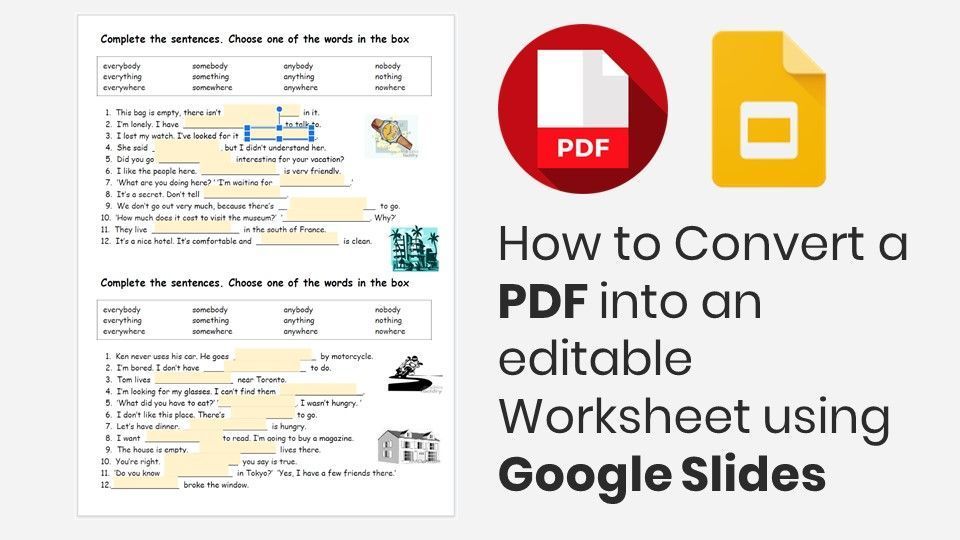
How to Convert a PDF into an editable Worksheet using Google Slides.

How to Convert a PDF into an editable Worksheet using Google Slides

Categories Google Slides How to's
How to create a clickable thumbnail image in Google Slides

How to create a clickable thumbnail image in Google Slides

Categories Google Slides How to's
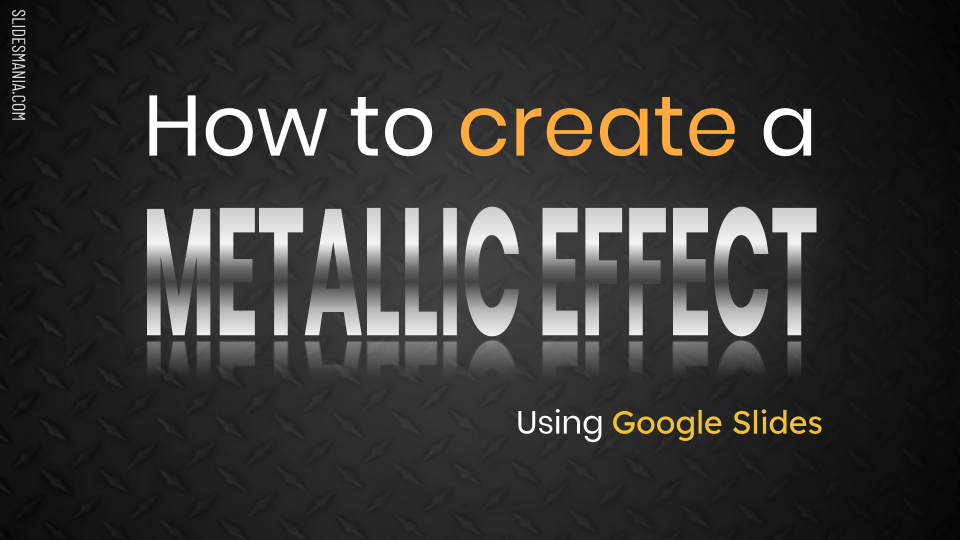
How-To-Create-a-Metallic-Effect-using-Google-Slides.

How to Create a Metallic Text Effect in Google Slides

Categories Google Slides How to's
Older posts
Page1 Page2 Next →

If you have any questions you can reach me by email: hello@slidesmania.com

Or you can find me on:

  • X
  • Instagram
  • Facebook
  • Pinterest
  • Threads

About SlidesMania, Hi!

My Portfolio

How-to’s | Frequently Asked Questions

Terms of use | Templates License | Privacy Policy

Do not share my Personal Information.

Cookie Settings

Search by style, color, or type (Presentation Templates, Notebooks, Planners, Certificates, etc.)

All templates are free, but you can buy me a coffee if you like. Thank you!

© 2026 SlidesMania - All rights reserved